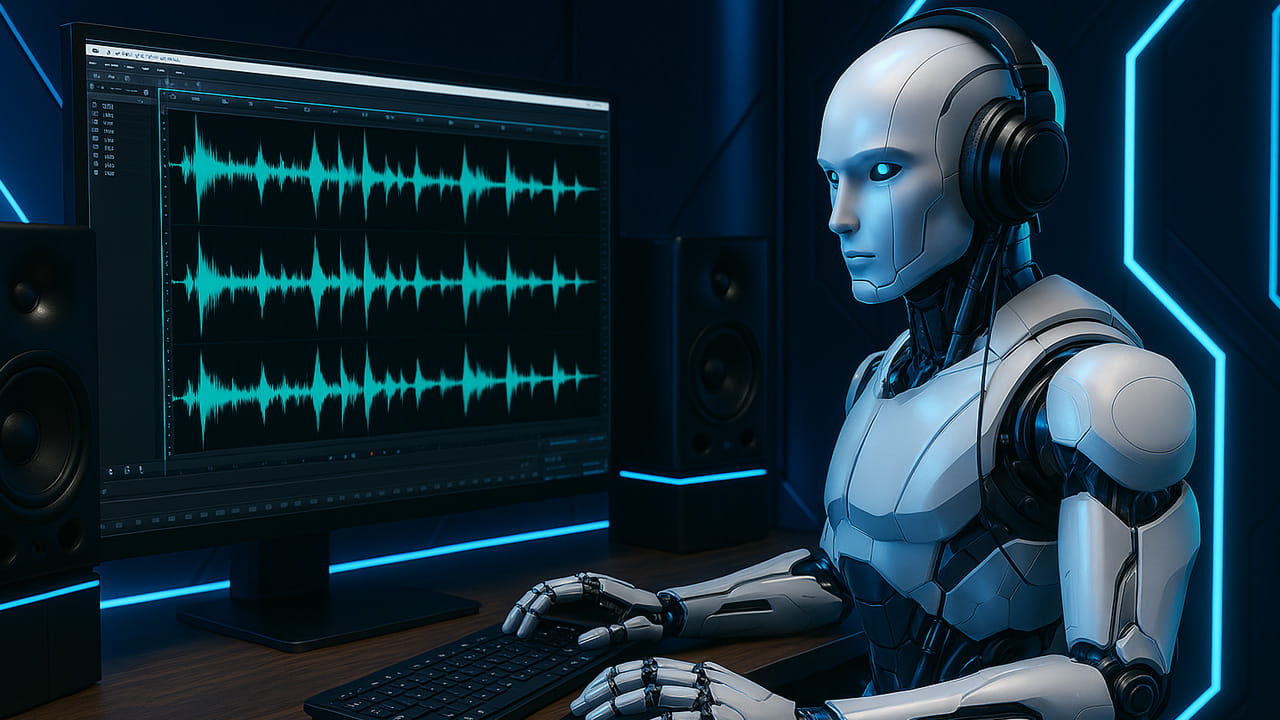
Many services – like Riverside, Adobe Podcast, and Descript – advertise ‘studio-quality’ sound from basic home recordings at the push of a button. The promise sounds appealing, but in reality, the results often fall short of the hype.
Most of these tools use speech resynthesis, powered by AI models trained on huge, diverse datasets of recorded voices. But here’s the thing: these AI systems are really just pattern predictors. They don’t actually understand audio like humans do – they guess, based on patterns they’ve seen during training.
When your recording is similar to what the AI was trained on, it can clean things up reasonably well. But if your voice is quite unique, you have a strong accent, there’s a lot of background noise, your room has heavy reverb, or especially if two or more people are speaking at the same time, things can fall apart pretty quickly.
If you’ve played around with AI image generators before, you’ve probably seen how unpredictable or weird the results can get when the input isn’t perfect. Audio tools work the same way. When faced with poor recordings or missing details, the AI basically makes its best guess at what a “clean” version should sound like. But it’s still just a guess – the system isn’t recovering lost details, it’s filling in the blanks based on probability.
The end result? Your audio might sound overly smoothed, robotic, or synthetic. You lose those subtle vocal characteristics that make your voice unique. It can strip away emotion, and introduce unnatural “brightness” in the high frequencies. In most cases sibilance sounds plastic or fake, and even your breathing can end up sounding strange.
These tools can work okay on recordings that are already decent- but those usually don’t need heavy processing to begin with. The real challenge is with low-quality recordings – the kind made with cheap mics, built-in laptop microphones, or in echoey, untreated rooms – ironically, the exact situations these tools are marketed for.
We do use AI tools ourselves, mostly for noise reduction and taming reverb. But they have to be used carefully, with a solid understanding of what they’re doing. Otherwise, it’s easy to end up making your audio sound worse – adding more artifacts and losing the natural character of the voice.
Tip
Before recording or exporting your source audio for editing, make sure all processing and enhancement features in your service or software are turned off – especially anything with “magic” in the name.